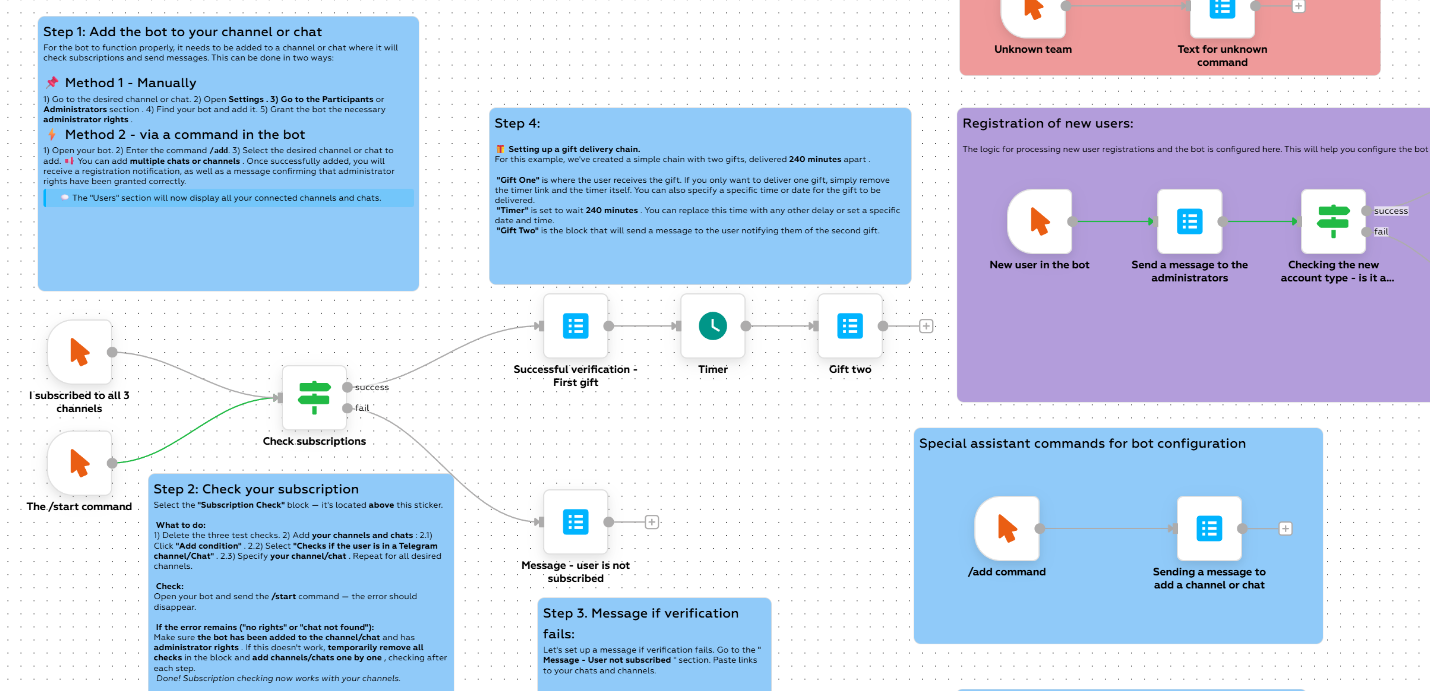
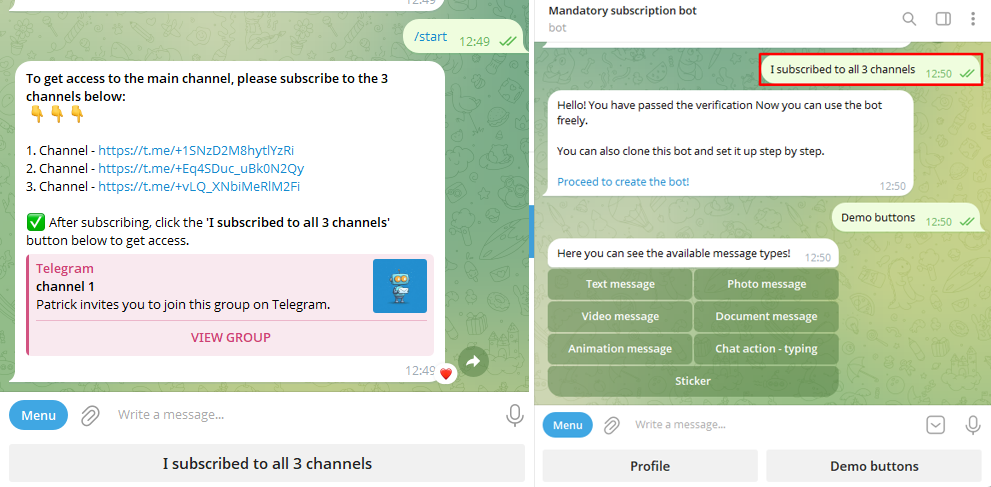
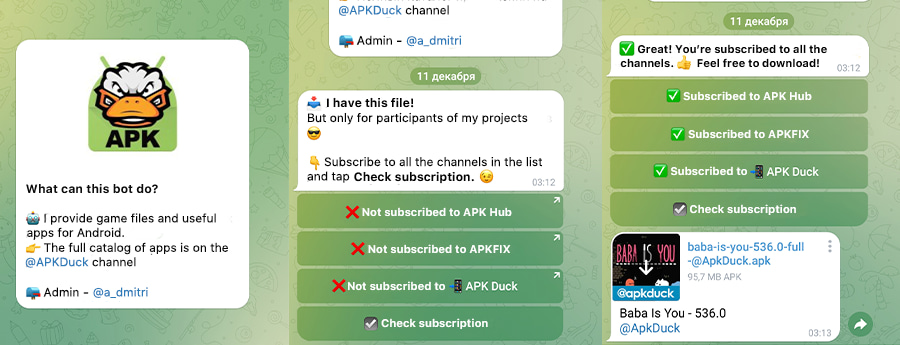
1) A user starts the bot or opens your link
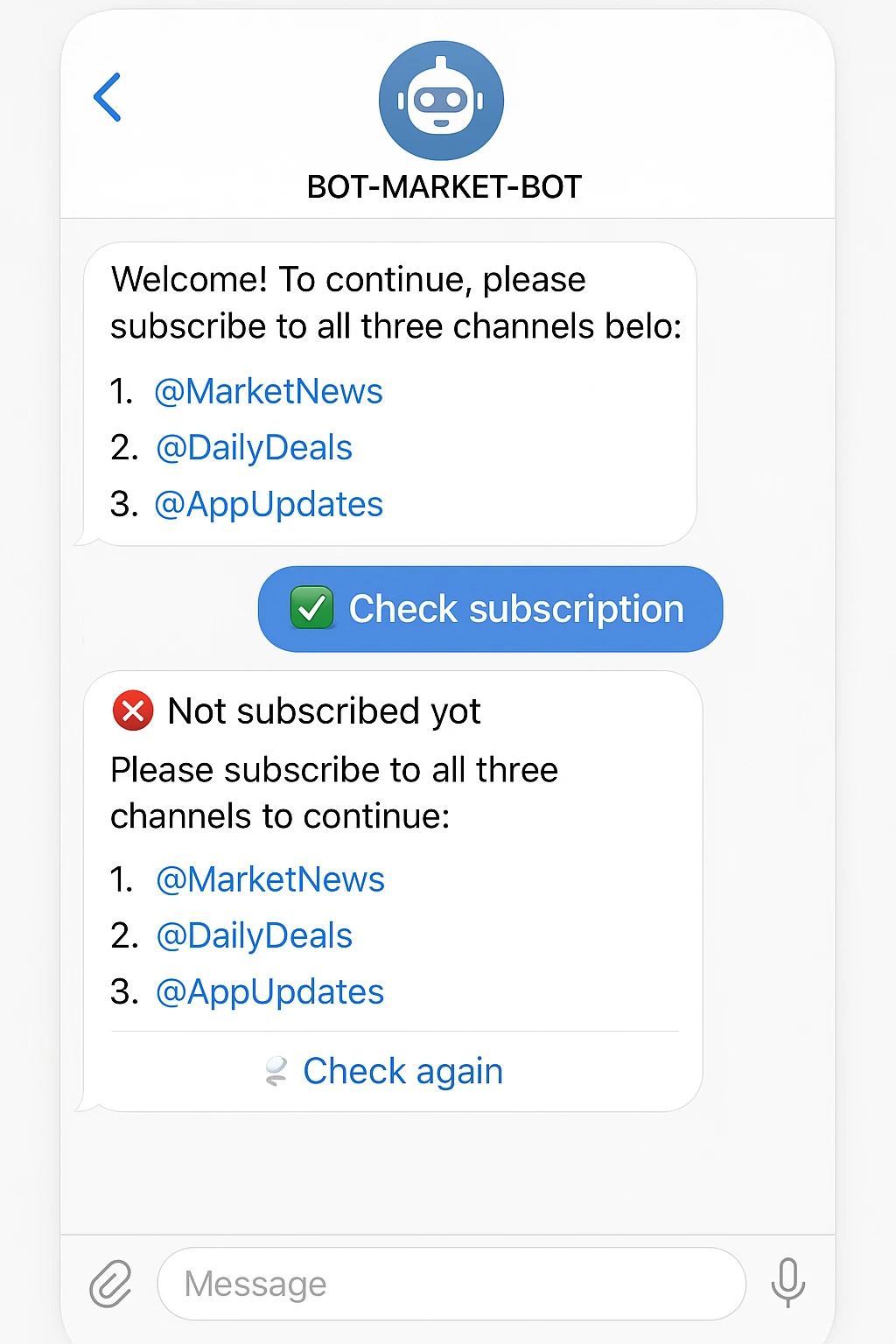
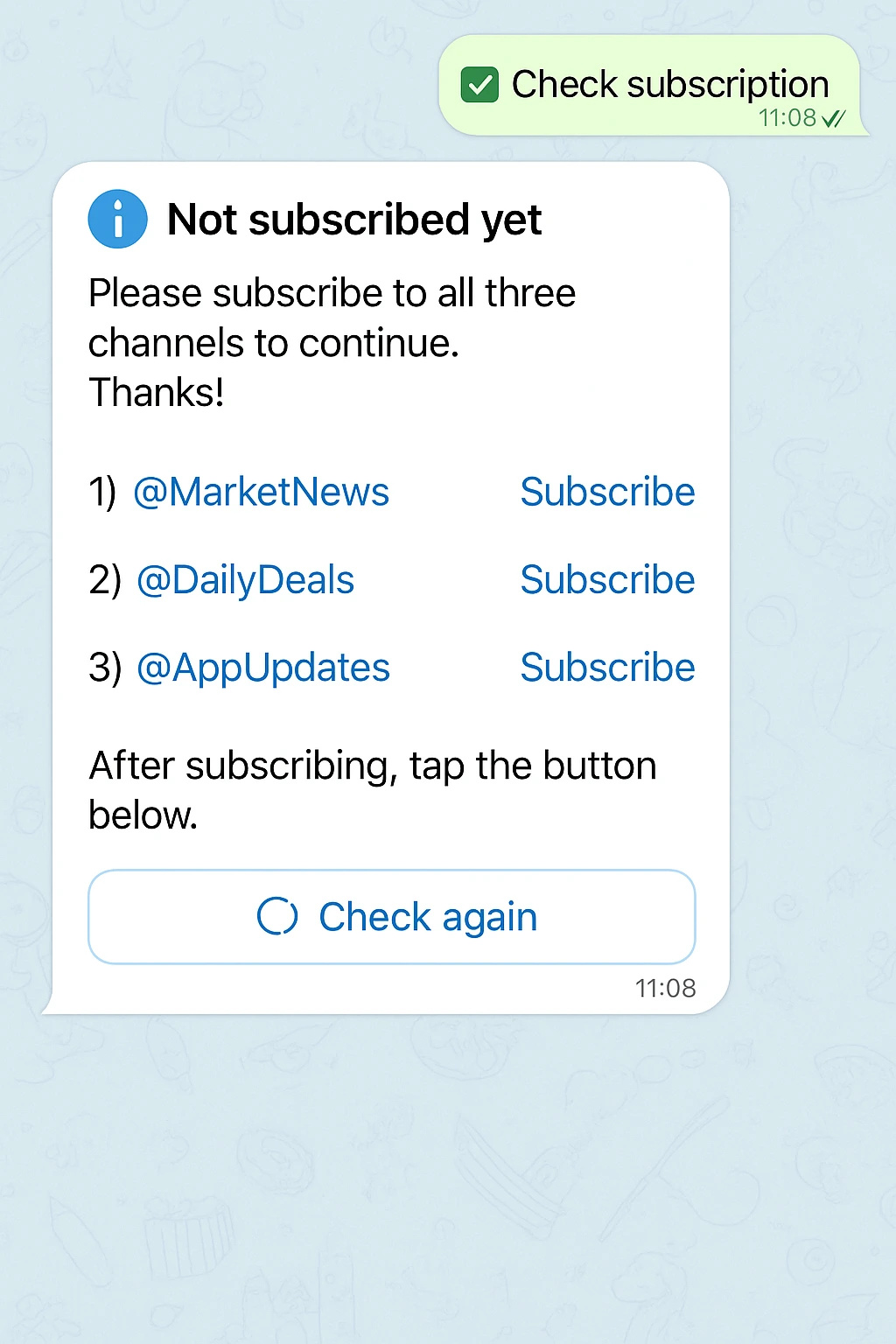
The bot explains the rules and asks the user to subscribe to the required channels. The buttons lead directly to the channels.
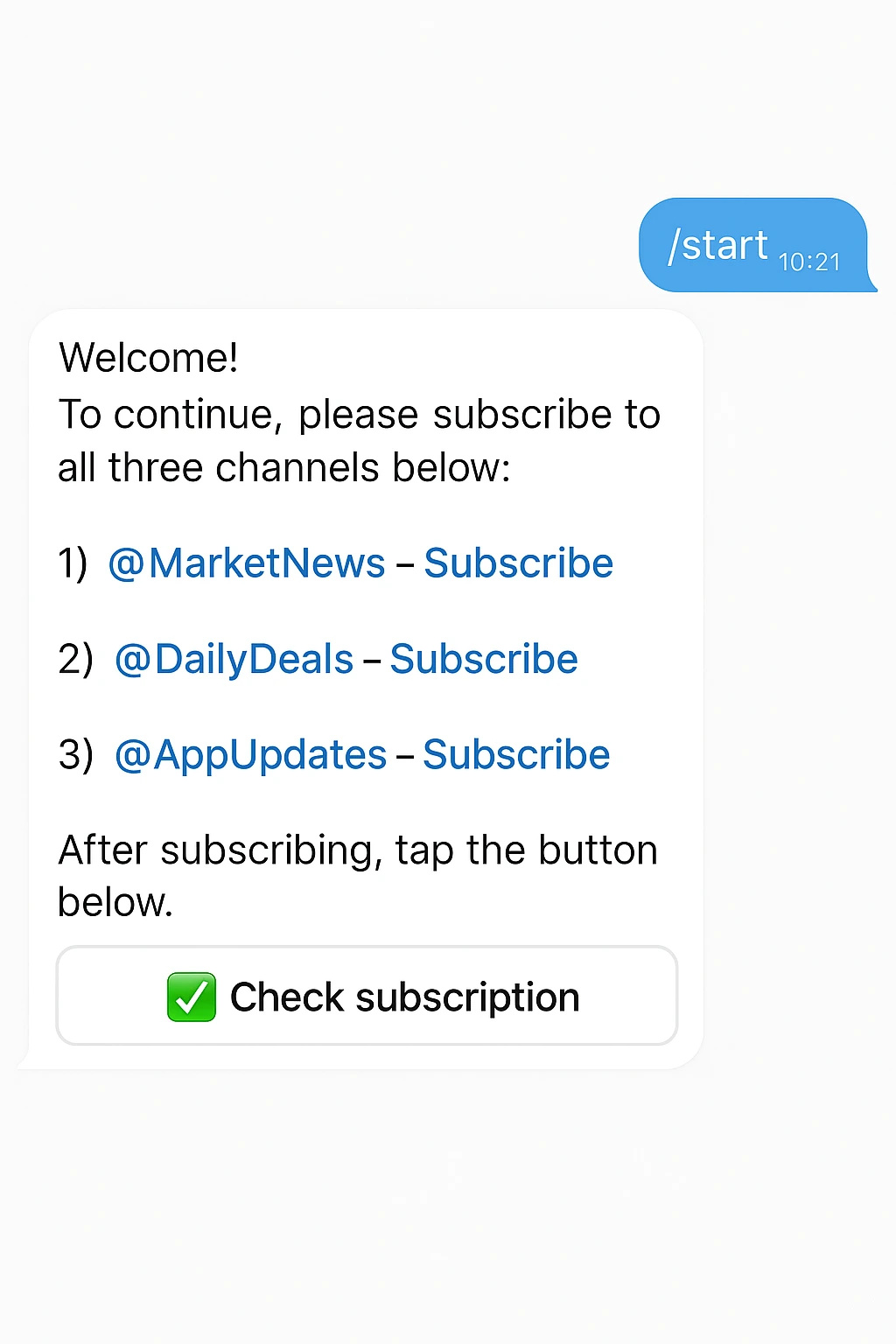
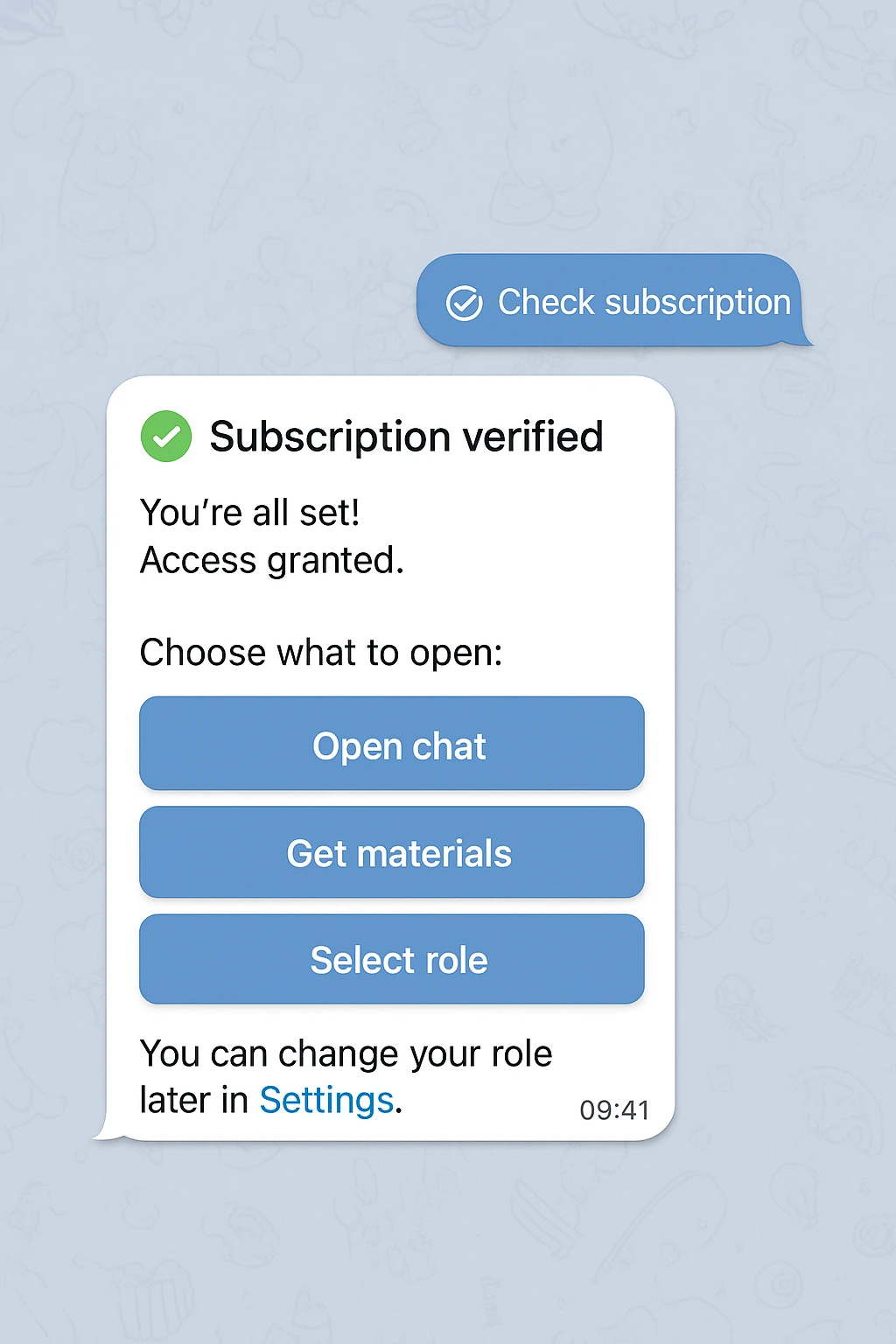
Grant access to chats and content only after the user subscribes.
Set up in 5 minutes—no code.
Below are real scenarios where the subscription verification bot boosts conversions, protects content, and automates access delivery.
Files, links, and promo codes are available only to subscribers.
Let in only subscribers and automatically restrict access when they unsubscribe.
Deliver checklists, lessons, or bonuses in exchange for a subscription.
Encourage subscriptions to participate and receive promos.
Ask users to subscribe to your main and/or partner channel networks.
Make broadcasts and events available only to subscribers.
Grant priority support after verifying the subscription.
Pass tags/UTMs into a CRM or spreadsheets to measure the funnel.
No time? Order professional setup.
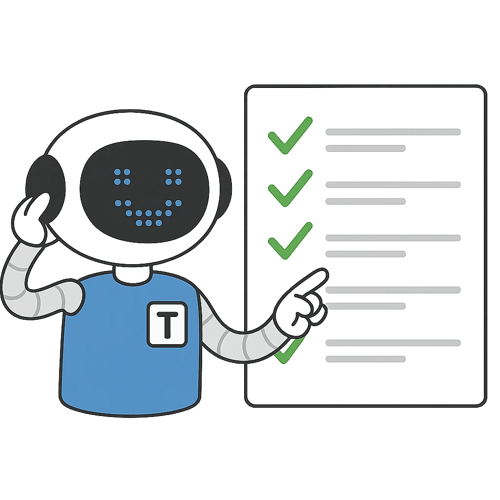
A bot with mandatory subscription checks whether a person is subscribed before granting access to the chat, materials, or the bot itself. This turns inbound traffic into subscribers and boosts conversion.
Links, files, promo codes, and roles are available only to subscribers. You can require one or multiple subscriptions and automatically restrict access when someone unsubscribes.
An entry subscription check, automatic removal/mute for non-subscribers, and basic anti-spam rules reduce bot raids and fake accounts, keeping the chat lively.
A subscription gate lets you offer bundles/bonuses for subscribing and run lead-magnet campaigns. Integrations with CRMs/spreadsheets record who subscribed and when, so you can measure the funnel and ROI.

Start free, pay as you grow. No per‑user fees.
Visual editor.
Fast help, knowledge base, and AI assistant.

From small business to enterprise.

GPT bots 24/7.
Detailed logs and stability.
Telegram, WhatsApp, Instagram, CRM, payments.
Launch in 10 minutes.
The bot checks whether a user is subscribed to the specified channels before granting access to a chat, materials, promo codes, or the bot itself.
Yes. Specify one or multiple required subscriptions. Access is granted only to those subscribed to all mandatory channels.
You can automatically restrict access: remove/mute in the chat, hide links and roles. The check can be triggered again by a button or an event.
5 minutes: @BotFather → duplicate the template → specify the channels to check and grant permissions → edit the texts and conditions. Details—see the demo via /study.
Free options are available. Paid plans start from $3—see your account for details.
See the knowledge base: subscription‑check component, setup, and common mistakes.
Telegram subscription‑check bot: step‑by‑step guide