Telegram bot for accepting applications: auto-approval for channel and chat
Launch auto-approval of join requests in 10 minutes.
Condition checks, contact collection, and broadcasts—no code.
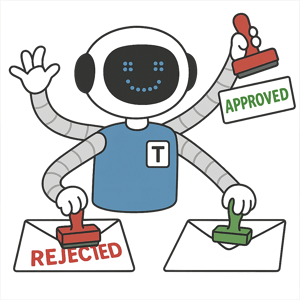
What Telegram bot for accepting applications chat or channel used for?
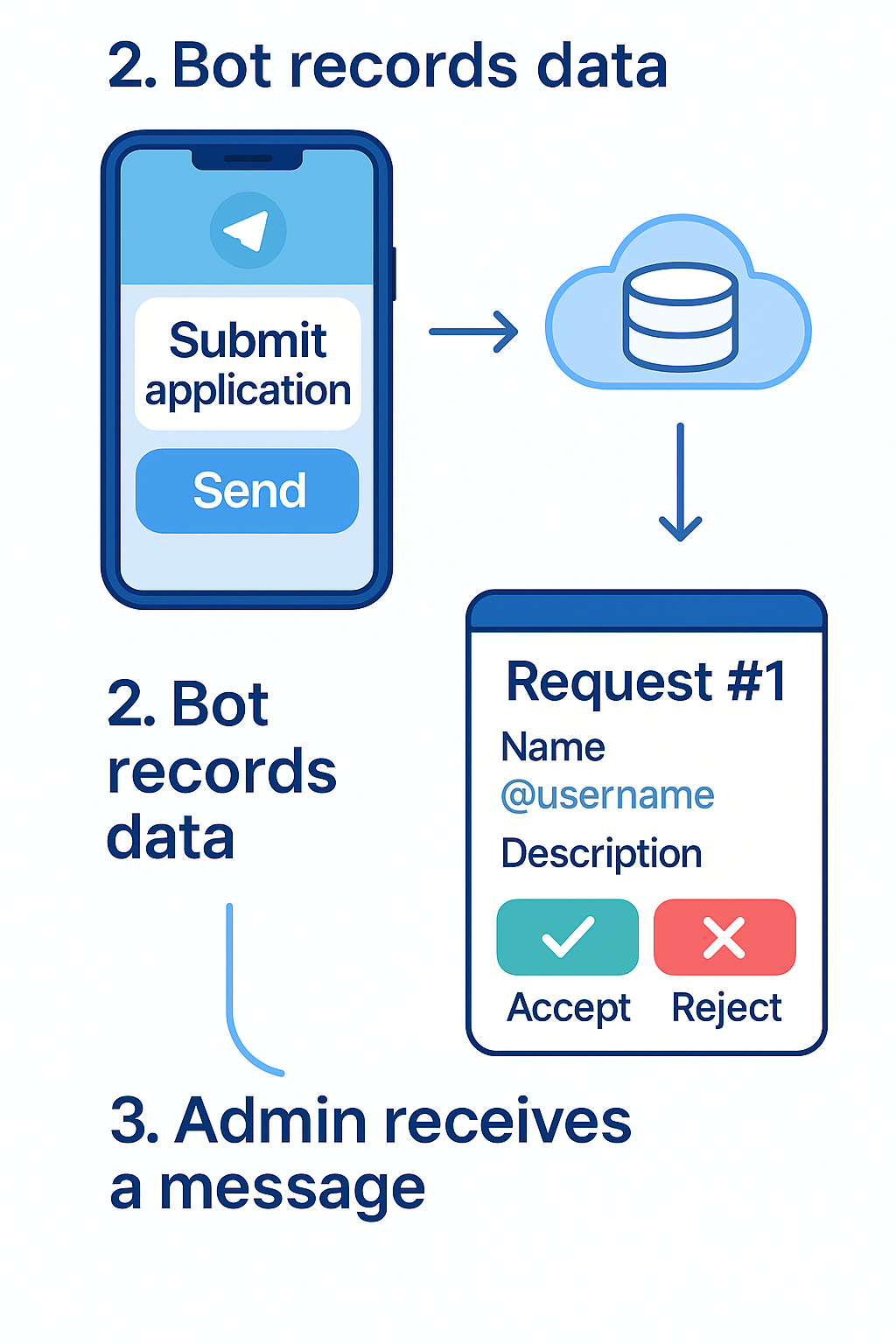
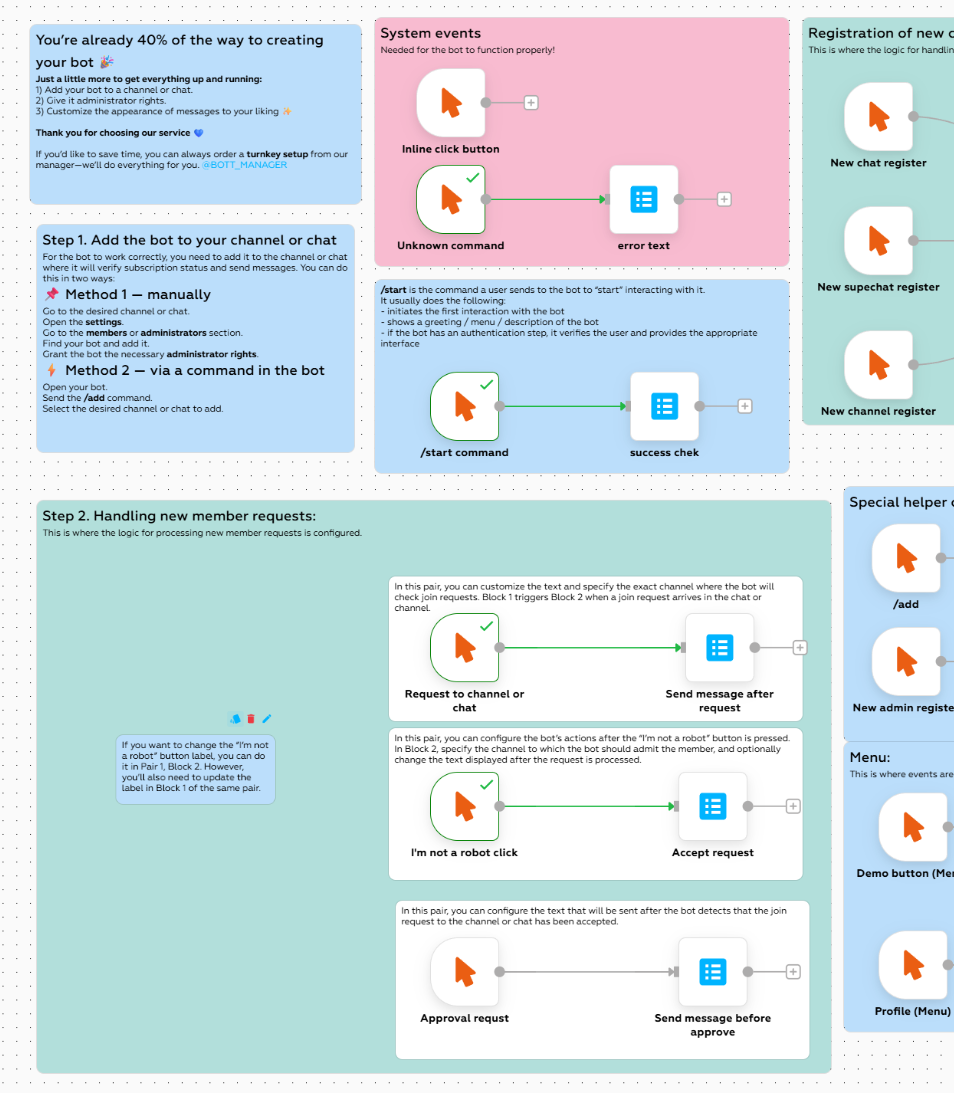
Below are scenarios where the join-request bot simplifies moderation, improves audience quality, and safeguards the list in case the resource is banned.
The bot operates in automatic modes: reject, accept, wait for your command, or ignore.
Sell and buy ads in the bot or team up with channel owners to achieve mutually beneficial collaboration via the bot.
Verification, issuing temporary invites, and access to hidden chats/channels.
Captcha, anti-flood, attempt limits, profile checks, and behavioral filters.
Personalized links, expiry, entry limits, and auto-kick for not joining/violations.
The bot can move your users from one resource to another, asking them to subscribe to get access.
Store contacts and tags outside Telegram to restore the audience if the resource is blocked.
UTM tags, exports to CRM/spreadsheets, source segmentation, and stage-based funnels.
How to connect the subscription-check bot to a channel or chat?
No time? Order professional setup.
Ready-made bot templates for join requests:
Auto-approval of requests without creating your own bot
No personal bot needed!
How to set up auto-approval to a channel or chat without creating a bot:
Add our bot to your chat or channel.Grant the bot admin rights and permission to approve users.
Create a join-by-request invite link.
Users follow the link—the bot approves the requests.
Everything works automatically; the bot does not send ads.
Approving requests to a chat or channel and messaging users
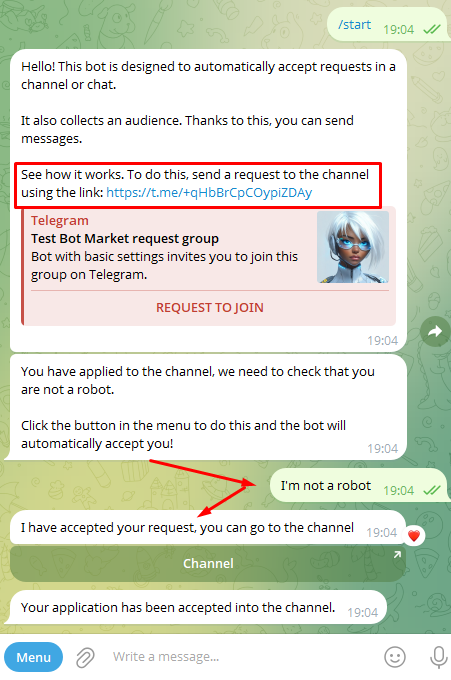
How it works:
A user sends a join request to a channel or chat.The bot messages the user.
The user presses a button in the bot—the interaction is recorded.
The bot automatically approves the request and adds the user.
On the /start command, the bot checks conditions (subscription to a channel, agreement to rules).
You can disable these conditions in the bot control panel.
Requests after subscribing to partner channels
The user follows a link.The bot processes the request and sends a list of channels.
The user subscribes to the channels and presses a button in the bot.
The bot checks the subscription and approves the request.
Important: after cloning, the bot won’t work immediately—you need to configure the channels.
Why auto-approval of requests to a channel or chat is useful
An additional broadcast channel
If someone leaves the channel, you can still message them via the bot.
User verification
Filters out bots and those who didn’t meet the conditions.
Collecting customer data
Approve only after answering questions (phone, e-mail, etc.).
Marketing campaigns
Accepts only those subscribed to partner channels.
Why choose BOT-MARKET to build your bot?

Free
Start free, pay as you grow. No per-user fees.
No code
Visual editor.

24/7 support
Fast help, knowledge base, and AI assistant.

Scalable
From small business to enterprise.

Artificial intelligence
GPT bots 24/7.
Reliable
Detailed logs and stability.
API integrations
Telegram, WhatsApp, Instagram, CRM, payments.
Templates
Launch in 10 minutes.
FAQ
What is a subscription-check bot and how does it work?
Telegram bot for accepting applications checks whether the user is subscribed to specified channels before granting access to a chat, materials, promo codes, or the bot itself.
Can I require subscriptions to multiple channels?
Yes. Specify one or more required subscriptions. Only those subscribed to all required channels get access.
What happens after unsubscribing?
You can automatically restrict access: remove/mute in the chat, hide links and roles. The check can be triggered again by a button or an event.
How long does setup take?
5 minutes: @BotFather → copy the template → specify channels to check and grant permissions → edit texts and conditions. Details — demo via /study.
How much does it cost?
There are free options. Paid plans start from $3 — see your account for details.
Full guide?
See the knowledge base: subscription-check component, setup, and common mistakes.
Subscription-check bot in Telegram: step-by-step guide