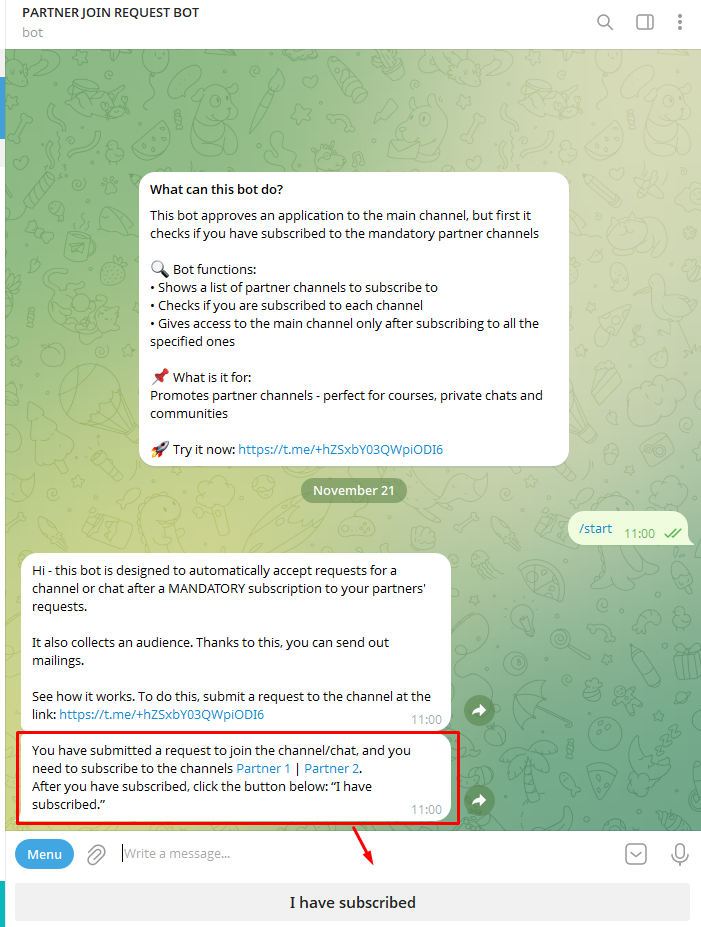
Telegram bot for auto-approval of join requests to a channel after subscribing to partners
We check subscriptions to partner channels and automatically approve the request. Works with private channels and groups
What is a Telegram partner subscription join-request bot for?
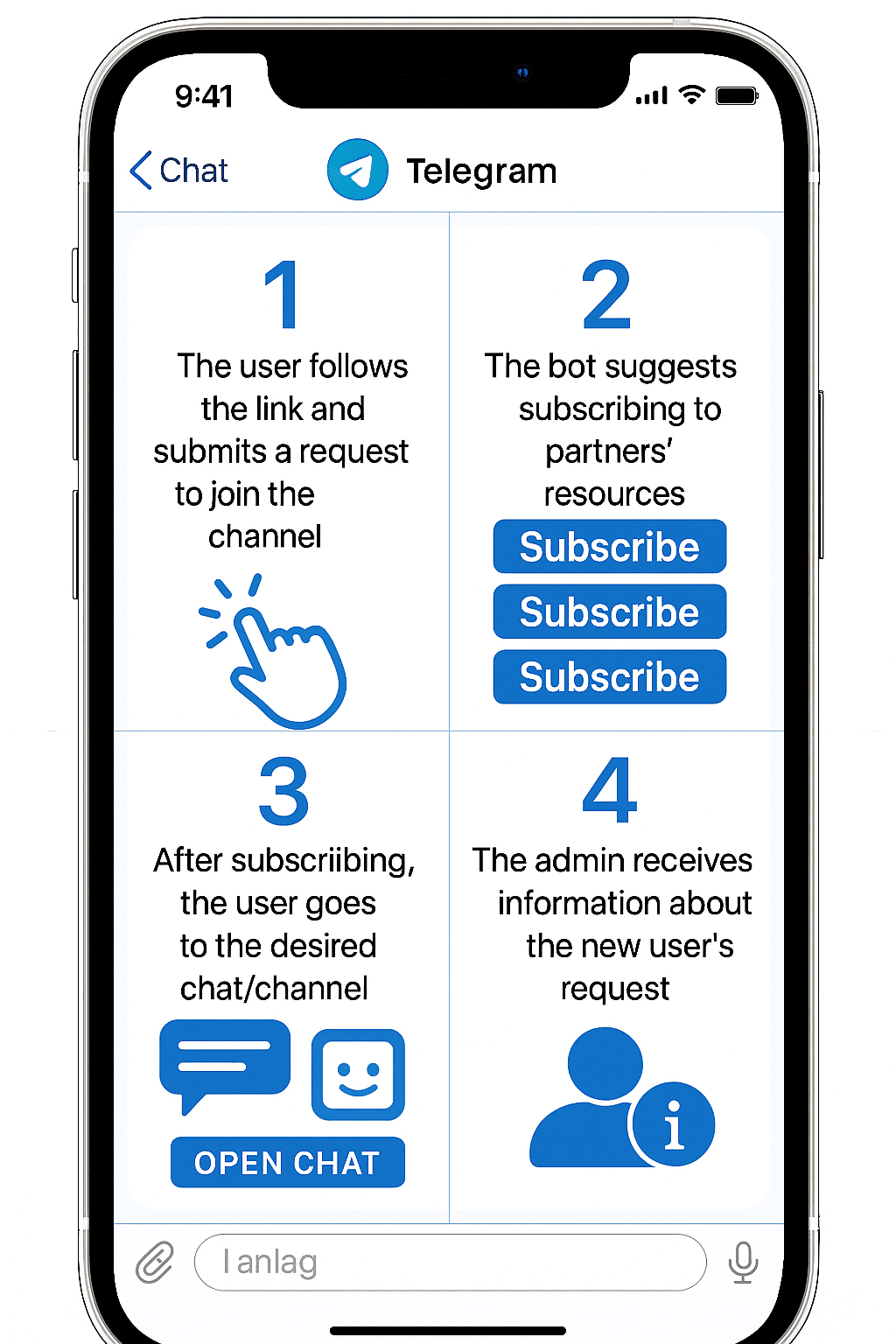
Below are scenarios where the join-request bot simplifies moderation, improves audience quality, and protects your base in case your resource gets banned.
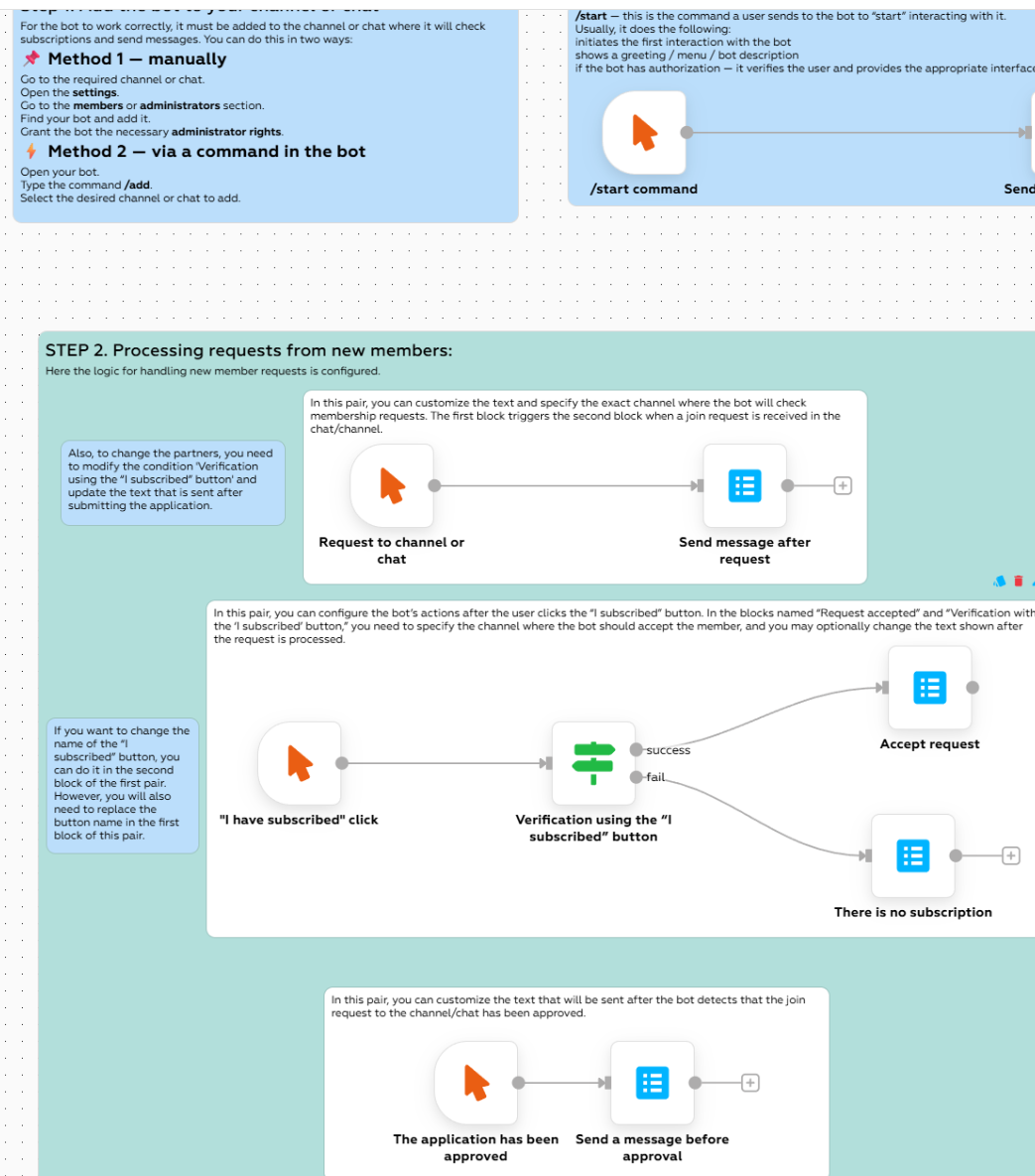
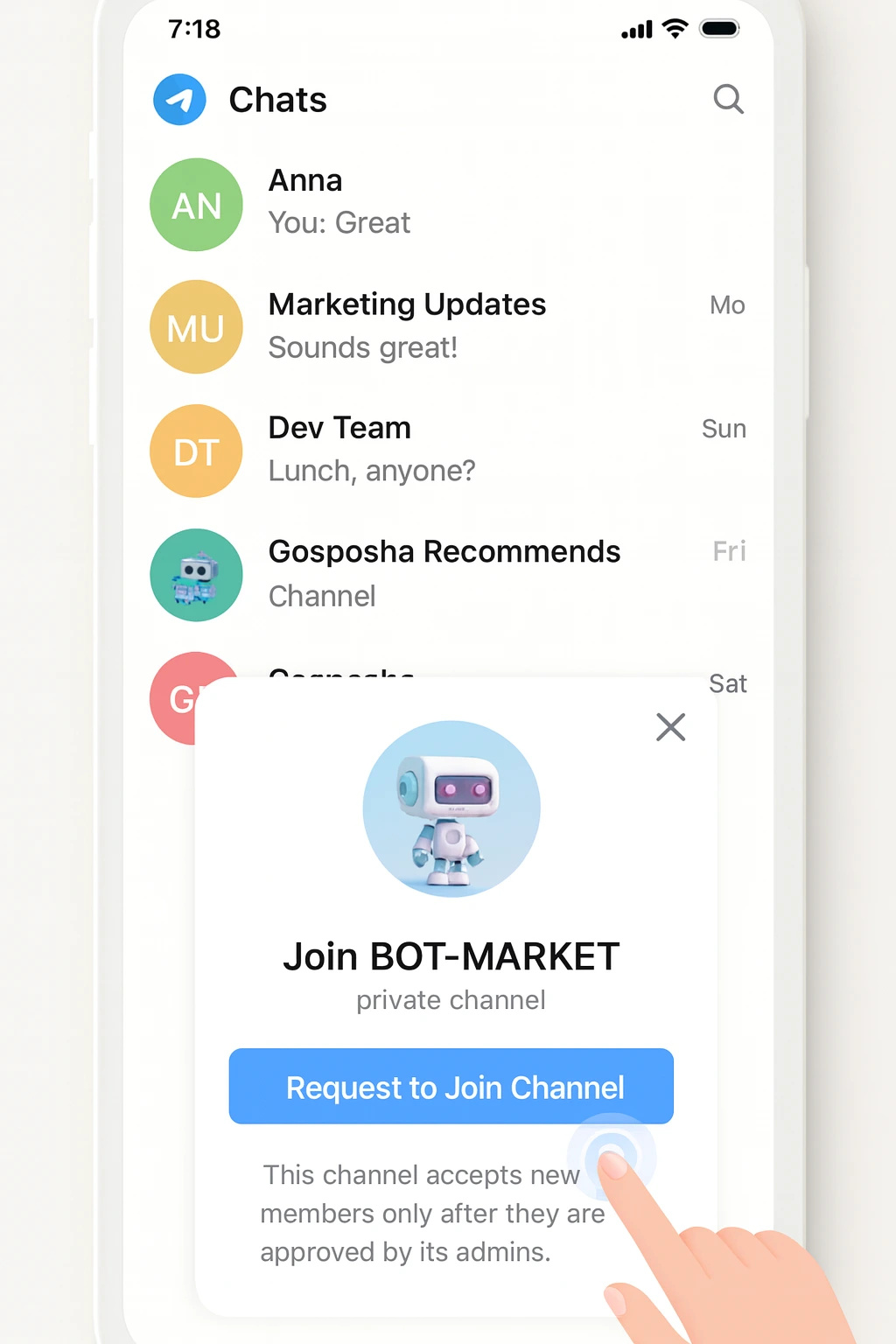
Processing join request to chat/channel
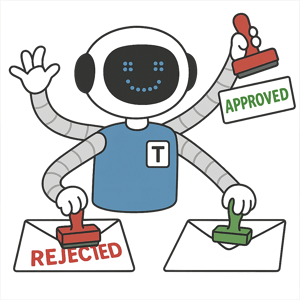
The Telegram bot for auto-approval of join requests to a channel after subscription to partners checks the subscription condition itself and automatically approves or rejects incoming requests.
Partnerships
Use the Telegram auto-approval bot to accept into your channel only those who subscribed to partner resources, sell and buy ads, and build mutually beneficial collaborations.
Access to your resource
The bot grants access to the channel only after subscribing to partners: condition checks, temporary invites, hidden chats and channels are protected by automatic moderation.
Anti-bot and anti-spam
Captcha, anti-flood, attempt limits, profile and behavior checks — the Telegram bot filters out bots and spammers before auto-approving a request to your channel.
Join control
Personalized links, expiration dates, entry limits and auto-kick: the bot ensures that only those who have met all partner requirements get into the channel.
Traffic redirect
Redirect users from one resource to another: the bot requires subscription to partner channels and then automatically approves the request to your main channel.
Backup audience base
The bot collects contacts and tags of users whose requests were auto-approved to the channel after subscription to partners, and stores the base outside Telegram to restore the audience if needed.
Analytics and integrations
UTM tags, export to CRM and spreadsheets, segmentation by partner sources and funnel by stages: track how the Telegram auto-approval bot for your channel performs.
How auto-approval works after subscribing to partners
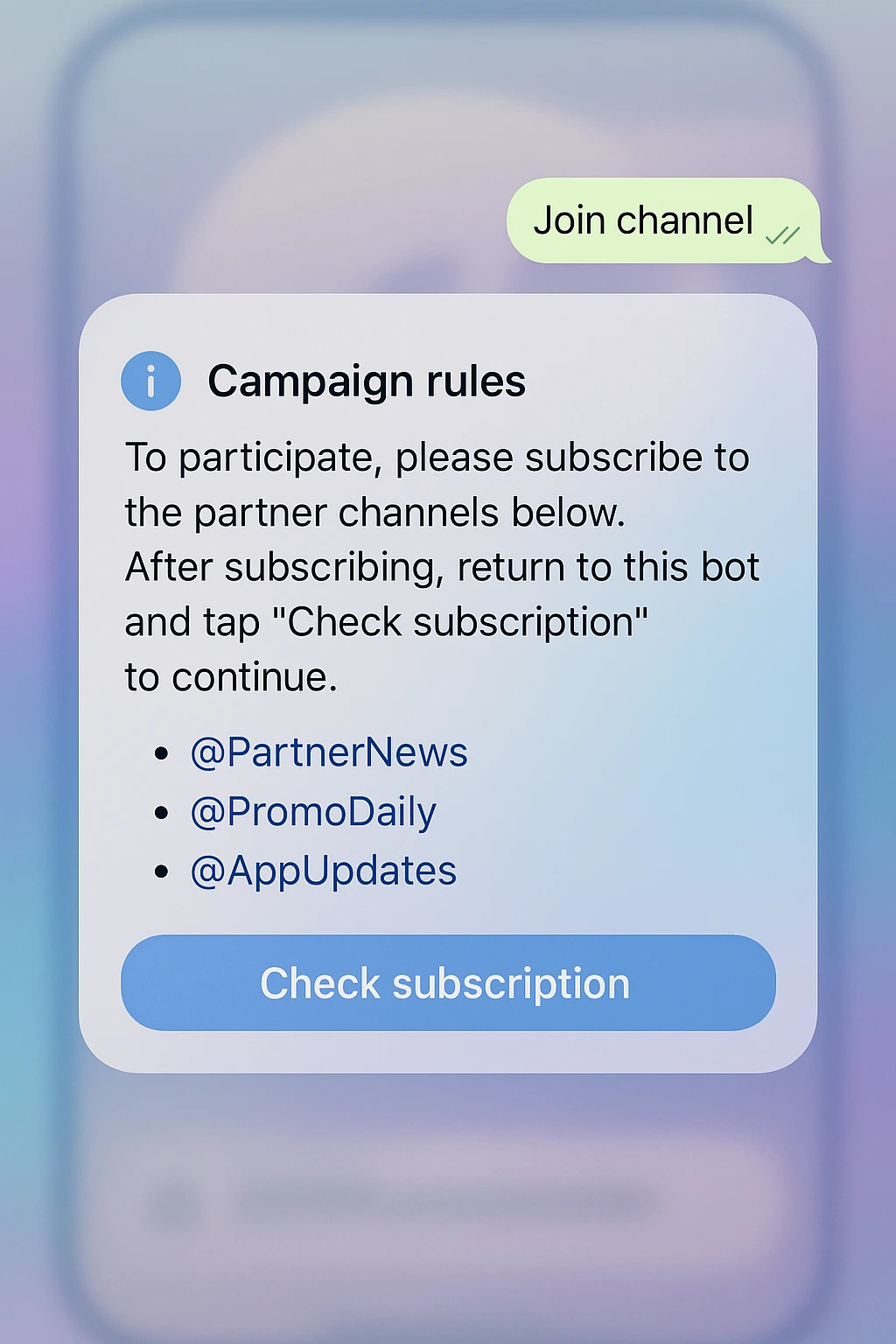
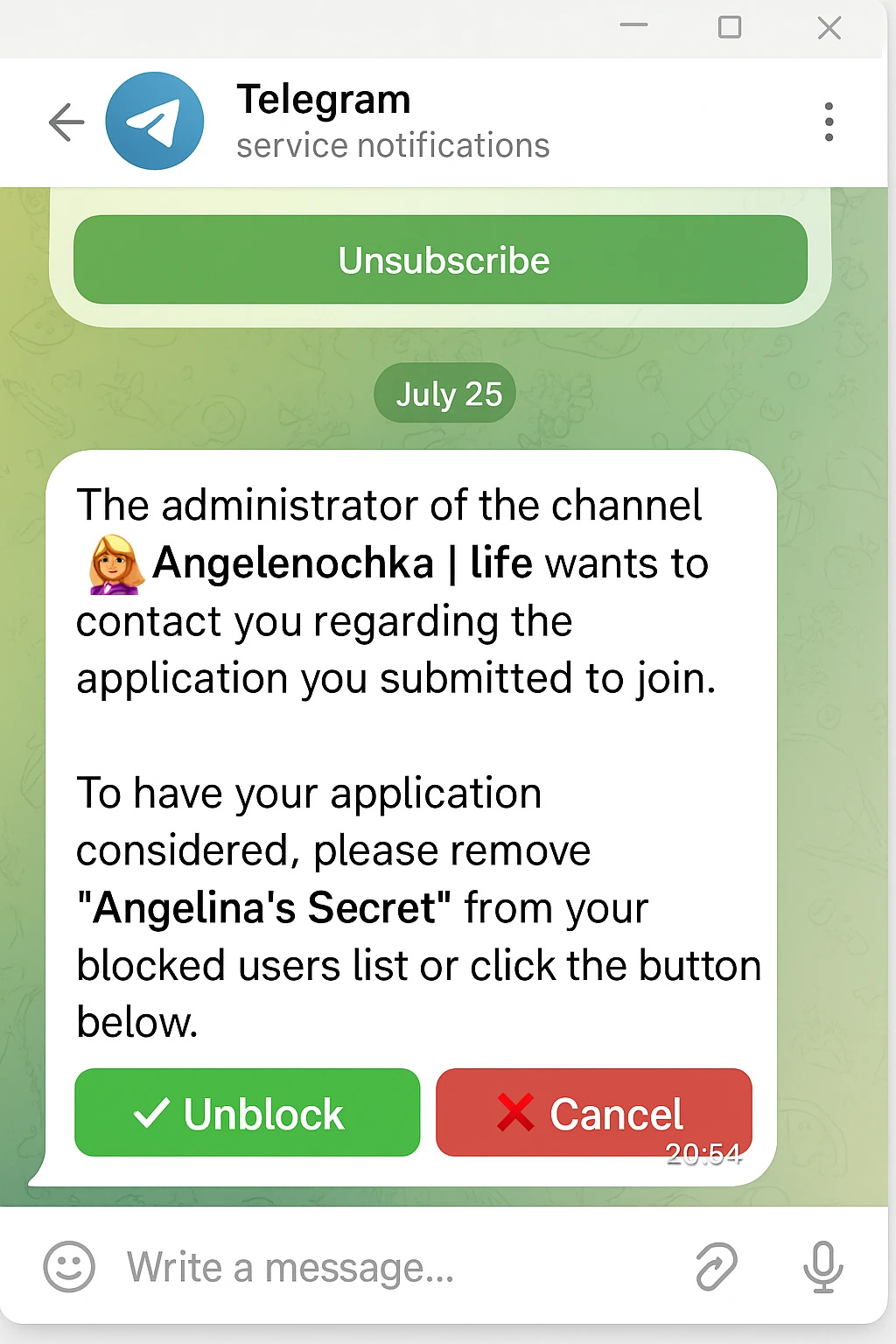
How to connect the auto-approval bot after checking partner subscriptions?
Create a bot via @BotFather.
Clone the “Auto-approval after subscriptions” template in BOT-MARKET.
Add your channel/chat and the list of partner channels (public/private), set up the check rules.
Enable auto-approval, edit the texts and campaign duration, and save.
No time? Order professional setup.
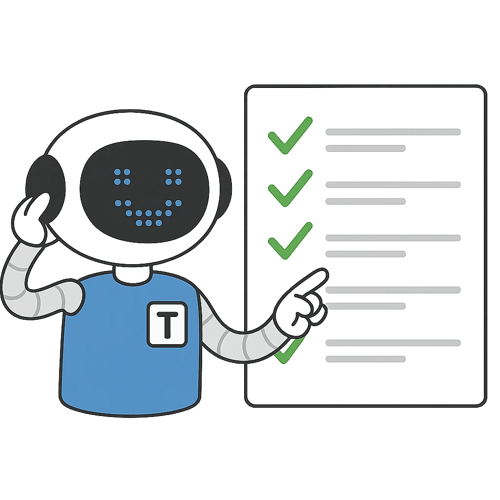
Why you need auto-approval of join requests to a channel or chat
Additional broadcast channel
Even if a person leaves the channel, you can still message them via the bot.
User verification
Filters out bots and those who didn’t meet the requirements.
Customer data collection
Request approval only after answering questions (phone, e-mail, etc.).
Marketing campaigns
Accepts only those who are subscribed to partner channels.
Why choose BOT-MARKET to create a bot?

Free
Start for free, pay as you grow. No per-user fees.
No-code
Visual editor.
24/7 support
Fast help, knowledge base, and AI assistant.

Scalable
From small business to enterprise.

Artificial intelligence
GPT-bots 24/7.
Reliable
Detailed logs and stability.
API integrations
Telegram, WhatsApp, Instagram, CRM, payments.
Templates
Launch in 10 minutes.
FAQ
What is a subscription check bot and how does it work?
The bot checks whether the user is subscribed to the specified channels before giving access to the chat, materials, promo codes, or the bot itself.
Can I require subscription to multiple channels?
Yes. Specify one or more mandatory subscriptions. Only users subscribed to all required channels get access.
What happens when users unsubscribe?
You can automatically restrict access: remove/mute in the chat, hide links and roles. The check can be run again via a button or by event.
How long does setup take?
5 minutes: @BotFather → copy of the template → specify channels for checking and grant permissions → edit texts and conditions. Details — demo via /study.
How much does it cost?
There are free options. Paid plans start from $3 — see details in your account.
Full guide?
See the knowledge base: subscription check component, setup, and common mistakes.
Subscription check bot in Telegram: step-by-step guide